Vim as an IDE on Windows 10
28 Feb 2020I want the same experience independent of the platform I’m using. For this reason, I’m a die-hard Vim fan. With mosh and FiraCode life is good. On Windows, it has been a challenge to have an excellent vim experience.
Issues with Visual Studio Code:
- Vim plugin didn’t work how I wanted. For example: I couldn’t hit
5{tab}to indent a block. - The clipboard didn’t work sometimes. (I still can’t explain it.)
- Multiple histories (vim and & Visual Studio Code) means that undo and redo operations are messy.
- No relative line numbers making it hard to quickly do
5ddor something when I want to move a code block. - I love splitting windows, but don’t like navigating through tabs.
Several months ago, I started looking for solutions around Neovim, but I had trouble finding something that would support FiraCode’s ligatures. Neovide looked like a possible solution, but there were a few challenges. The biggest one is that it won’t run on my home computer (it builds, but no errors).
I started looking at other solutions.
- Running vim through WSL. Disk, i/o with WSL, is usually too slow, and I want to access my local filesystem without symlinks. Additionally, I can’t open Ubuntu in the windows store and don’t want to troubleshoot it.
- NeovimGTK’s windows build. While the binary available ran, it wouldn’t display ligatures. I spent a lot of time trying to build it from source with MSYS2 & GTK, but on step 144/145, I always saw this error:
fatal error LNK1181: cannot open input file 'gtk-3.lib' msys2
There’s a broad spectrum of possible solutions to get vim working with FiraCode (WSL, building Linux apps on windows, etc…), but in the end here is what I found to work the best.
A week ago, Microsoft released the preview of Windows Terminal. FiraCode works in Windows Terminal with the following settings:
{
  ...
  "profiles": {
    "defaults": {
      // Put settings here that you want to apply to all profiles
      "fontFace": "Fira Code Retina",
      "fontSize": 10,
      "background": "#141414" // Hide the ugly blue.
    },
    ...
  }
  ...
}
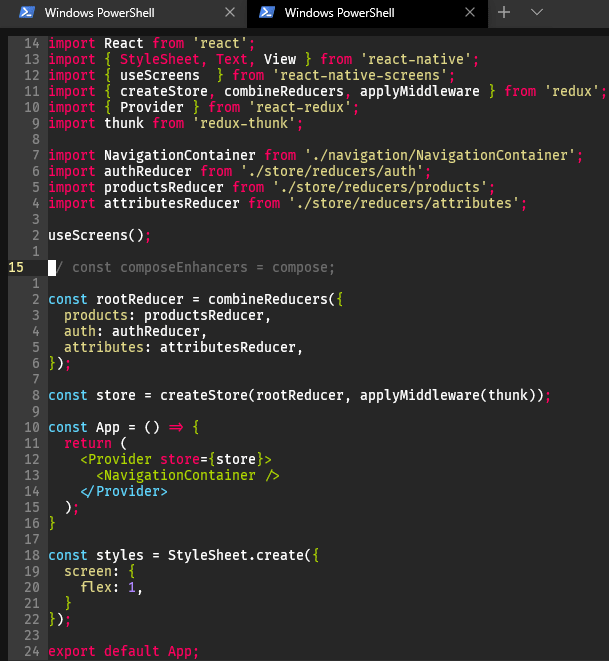 Windows Terminal experience.
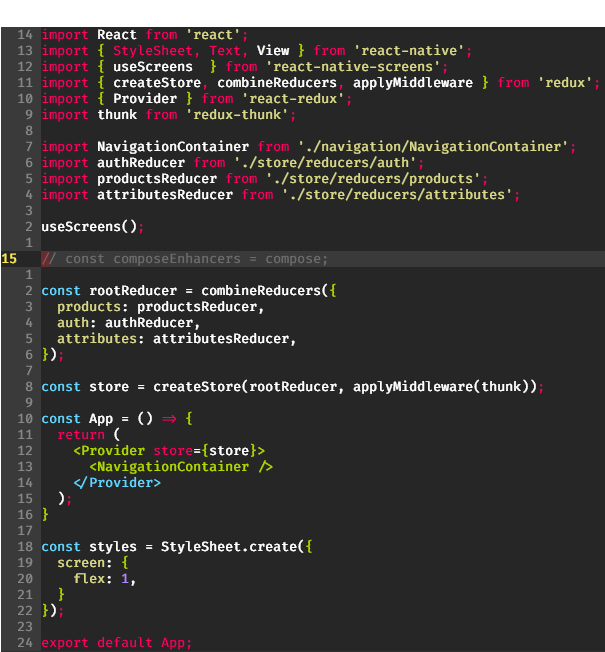 Chrome store Mosh client connected to VPS.
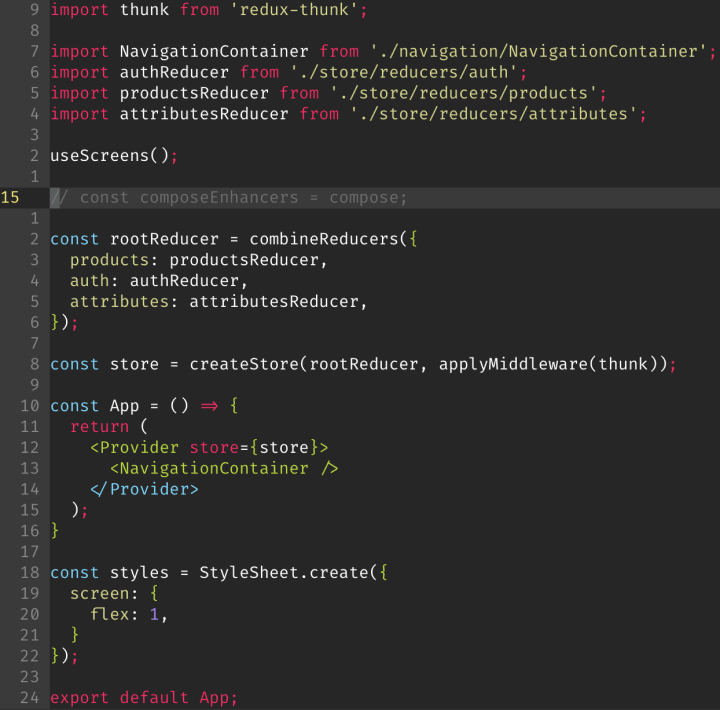 Blink on an iPad connected to VPS. (Retina screens are so nice…)